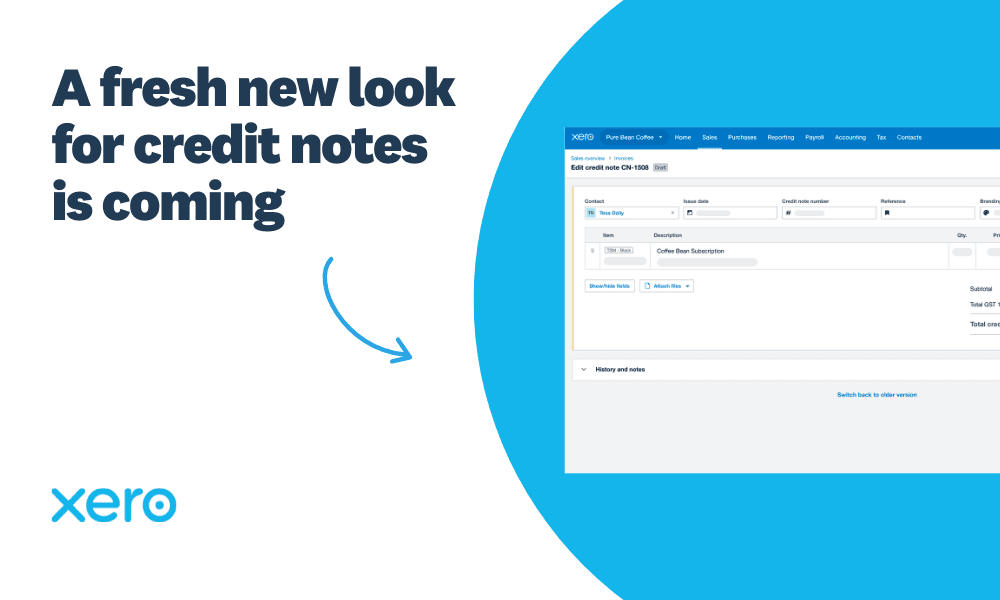
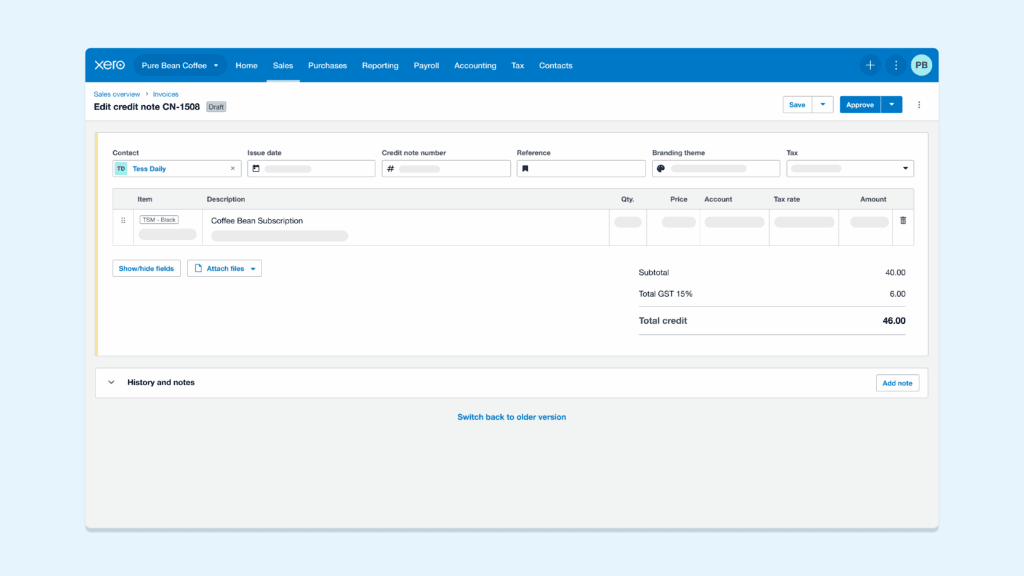
By bringing credit notes in line with how you already create invoices and quotes, we’re making Xero more intuitive. It means one less system to learn and more time to focus on your business. We want to get you familiar with what’s changing and what’s coming next to help you with the transition.
What’s changing and why?
On 13 July 2026 at 9am NZT, we’re retiring the old version of credit notes. It is replaced by the new version, which is available and ready to use right now.
Earlier this year, all customers were defaulted to the new version of credit notes so we could listen to your feedback and ensure it’s working the way you need.
Up until 13 July 2026, you will have the ability to switch back to the old version by clicking the switch button at the top of the page.
Key changes to be aware of
The new layout is designed to work just like your invoicing, including how it’s laid out, where buttons are located, and overall how you navigate through your screen. However, we wanted to be transparent about certain functionality that will be different from what you’re used to:
To keep your audit trail secure and your books accurate, paid credit notes are now protected from changes. If you need to make an update, simply remove the payment or allocation first, then re-apply it once you’re done. Learn more.
Credit notes save automatically when you add a contact, so you can attach files and add notes right away. You’ll need to manually save your credit note to save additional details.
To add a cash refund by check, click the ‘Add cash refund’ button at the top of your credit note. Then, you can refund by check on the transaction document from the invoice list page.
More to look forward to
We’re just getting started. We’re already working on new tools to help you work even faster, including:
The ability to quickly add cash refunds straight from your credit note
A side-by-side email preview that lets you see exactly how your credit note will look to customers so you can review and send with confidence
We’ll continuously monitor feedback and make improvements to your overall experience with creating credit notes.
Improvements we think you’ll like
We’ve rebuilt credit notes from the ground up to give you a smoother experience today and a foundation that helps us build additional tools you’ve been asking for even faster. Along with an intuitive design more closely aligned to invoicing and quotes, we also added some improvements including:
More detail in History for edit actions to help keep track of what changes have been made to credit notes
Improved error messages, so you can easily add required details and approve credit notes faster
More efficient keyboard experience for entering items and tabbing through your screen
The ability to handle credit notes in your Bank Reconciliation, without extra steps or interruption.
If you have questions about where to find your favourite tools in the new version, check out Xero Central.