

Oct 16, 2026 Product Updates
Table of Contents
Oct 8, 2026
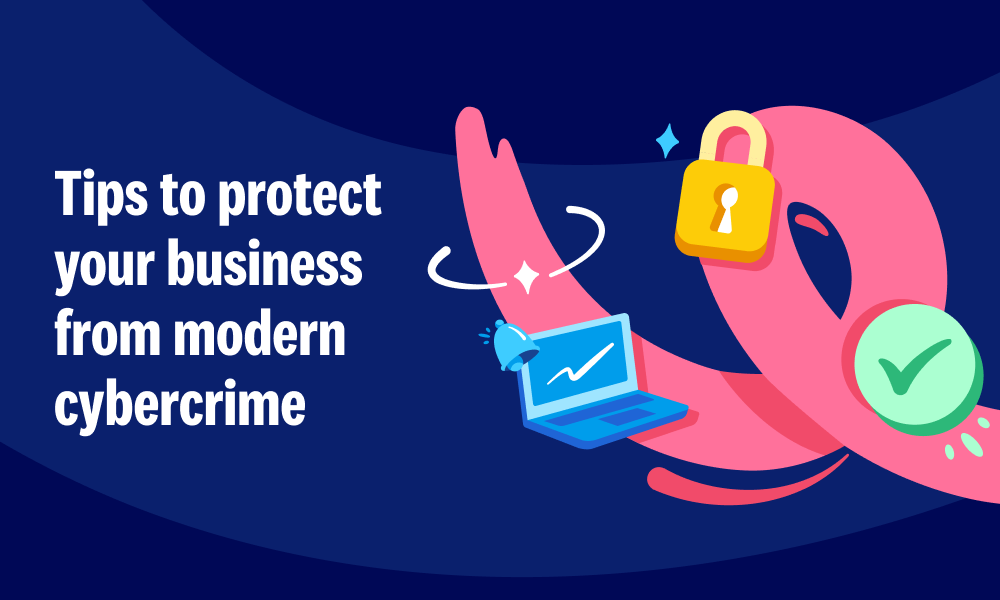
October is Cybersecurity Awareness Month, and a good moment to check in on how you’re protecting your business, your money and your customers’ information. As a small business owner or advisor, your Xero organisation contains sensitive personal and financial information and it’s important your data is secure.
AI tools are getting smarter and easier to use, which opens up exciting possibilities for small businesses. Unfortunately, scammers have noticed too. The good news? The habits that keep you safe haven’t changed much, and most of them won’t cost you a cent. Here’s how to stay a step ahead, not only with your Xero organisation but across all your online tools.
Use a different password for every account. If one password is exposed in a breach, unique passwords help stop attackers from using it to access your other accounts. A password manager can generate and remember them for you.
Turn on Multi Factor Authentication (MFA) wherever it’s available. Start with your email, online banking, your accounting software, and any other crucial online services. MFA is the safety net that protects your accounts, even if your password has been compromised. MFA is mandatory for all Xero users, keeping your data secure. Xero Verify is the only authenticator app that sends push notifications when you log into Xero. You can also use Google Authenticator or FreeOTP, but you’ll need to enter a code instead.
Give everyone their own login. Shared accounts make it harder to see who accessed information or made a change. Give your teams the access they need for their role, review it regularly and revoke it when they leave your business. When using Xero, ensure each user has their own account – this is particularly important to make sure there is an audit trail of access and data changes.
Phishing can now reach you almost anywhere: messaging apps, social media, or even an invoice from a supplier you’ve paid for years. And AI has stripped out the signs we were all taught to look for – clumsy spelling, odd phrasing or a generic greeting.
The bigger change is how precisely scammers can now target a small business. Scraping your website, social media and your team’s public profiles to work out who you trust can now be automated, and run against thousands of businesses at once. What reaches you uses the right names, the right tone, and refers to work you’re actually doing.
This means two checks are no longer as effective as they used to be:
So it’s important to focus less on the message, and more on what it’s asking you to do. Here are some new and surprising ways phishing can present itself in an email or message:
Spot any of those and the rule is simple: anything involving money or access should be confirmed somewhere else before you act using a phone number you already have, never the one in the message. A change of bank details is the most obvious red flag. A quick check costs a minute. The wrong payment costs a lot more.
Remember, here at Xero, our team will only ever send you genuine emails ending in a xero.com address such as: @xero.com, @post.xero.com, @identity.post.xero.com or @support.xero.com.
Deepfake tools can clone someone’s voice or likeness from a short clip, like a voicemail greeting, a podcast interview or a video on your business page. So hearing a familiar voice, or seeing a familiar face on a video call, isn’t the proof it used to be.
Picture this: you recognise the person, they answer your questions naturally, and the request comes with just enough urgency or authority that double-checking feels awkward.
They’ll often have an excuse that stops you asking too many questions. They’re about to get on a flight, or it’s confidential, or the deal falls over if you wait. That push to skip a step is worth noticing, even when it seems to be coming from someone you’trust.
Fortunately, some good habits can help:
Not every risk comes from scammers. Some come from everyday habits that feel completely harmless.
AI tools make it quick to summarise a client email, tidy up a set of figures or polish a proposal, and most of us have been tempted to paste something in to save time. But depending on the tool and its settings, that information may be stored or used to train the model. Without clear guidelines in place, sensitive information can end up in places you didn’t intend, and once it’s out of your hands, it’s hard to get back.
If you think you’ve been the target of a phishing scam, act quickly even if you’re not completely sure what has happened.
The habit that matters most: when money moves or account details change, pause and check the request through a channel you already trust.
Check out our Xero Central article on how to keep your Xero account safe and bookmark the Xero Security Noticeboard for updates about scams using Xero branding. If you receive a suspicious message using Xero branding, forward it to phishing@xero.com.
For more ways to protect your business, read Xero’s guide to keeping your business data secure.
You're on our global website. Change your region to see information and pricing for another location.